
3D printer deals are everywhere right now. Tom's Hardware published a May 24 roundup of Memorial Day discounts on printers, filament, resin and accessories, and the wider 3D printing world is full of the usual sale-season noise: fast printers, bigger discounts, colourful bundles, starter machines, resin packages and beginner-friendly promises.
For Australian customers, the important question is not whether a deal looks big in a headline. The question is whether the printer still makes sense once you count shipping, warranty, spare parts, filament, room setup, software and the kind of things you actually want to print. A cheap printer that does not fit your workflow is not a bargain. It is a future repair project with a receipt.
This is a practical buying checklist for anyone looking at a discounted 3D printer in 2026. Use it before you click buy, especially if the deal is overseas, time-limited, or bundled with accessories you do not understand yet.
Start With What You Want To Print
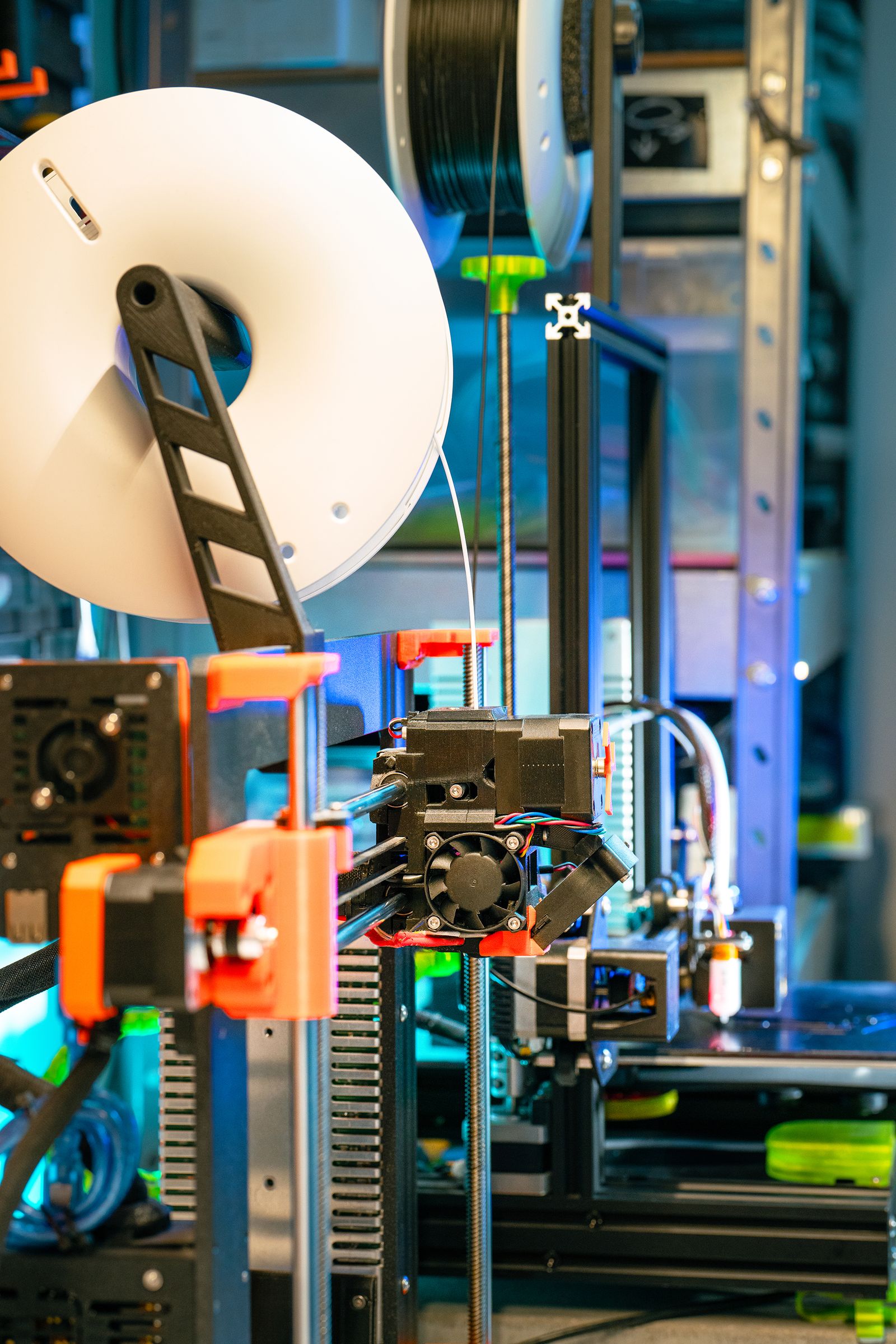
The easiest mistake is shopping by discount instead of purpose. Before comparing printers, write down what you want to make. Gifts, toys, signs, organisers, school models, brackets, cosplay props, TPU parts, PETG outdoor items, resin miniatures and small business products all push you toward different machines.
If you mostly want simple PLA parts, a reliable FDM printer with good profiles may be enough. If you want flexible TPU, look for a direct drive extruder and a clean filament path. Tom's Hardware notes in its 2026 best-printers guide that TPU users should look for direct drive because it pushes flexible filament more directly through the extruder. If you want ABS or ASA, an enclosure and ventilation become more important. If you want high-detail miniatures, resin might suit the result better, but resin also brings PPE, washing, curing and chemical handling.
Do not buy a printer because it can theoretically print everything. Buy the printer that is best suited to the materials you will actually use every month.
Check The Real Cost, Not Just The Printer Price
A discounted printer is only one part of the setup. You may still need filament, resin, spare nozzles, build plates, gloves, tools, storage boxes, a filament dryer, replacement parts, safety gear, a camera, lighting, shelving or an enclosure. The first month of ownership can easily reveal costs the deal page did not mention.
Australian buyers also need to check shipping, GST, local warranty, power plugs, return process and support. An overseas deal might look great until a fault appears and support becomes slow or expensive. A local option with slightly less discount can sometimes be better value if it comes with easier returns, faster spares or clearer consumer support.
Be careful with bundles too. A bundle is only useful if the extras are things you would have bought anyway. Random resin, mystery filament, decorative accessories or a spare part you do not understand should not be the reason to choose a machine.
Look At The Slicer Before You Buy
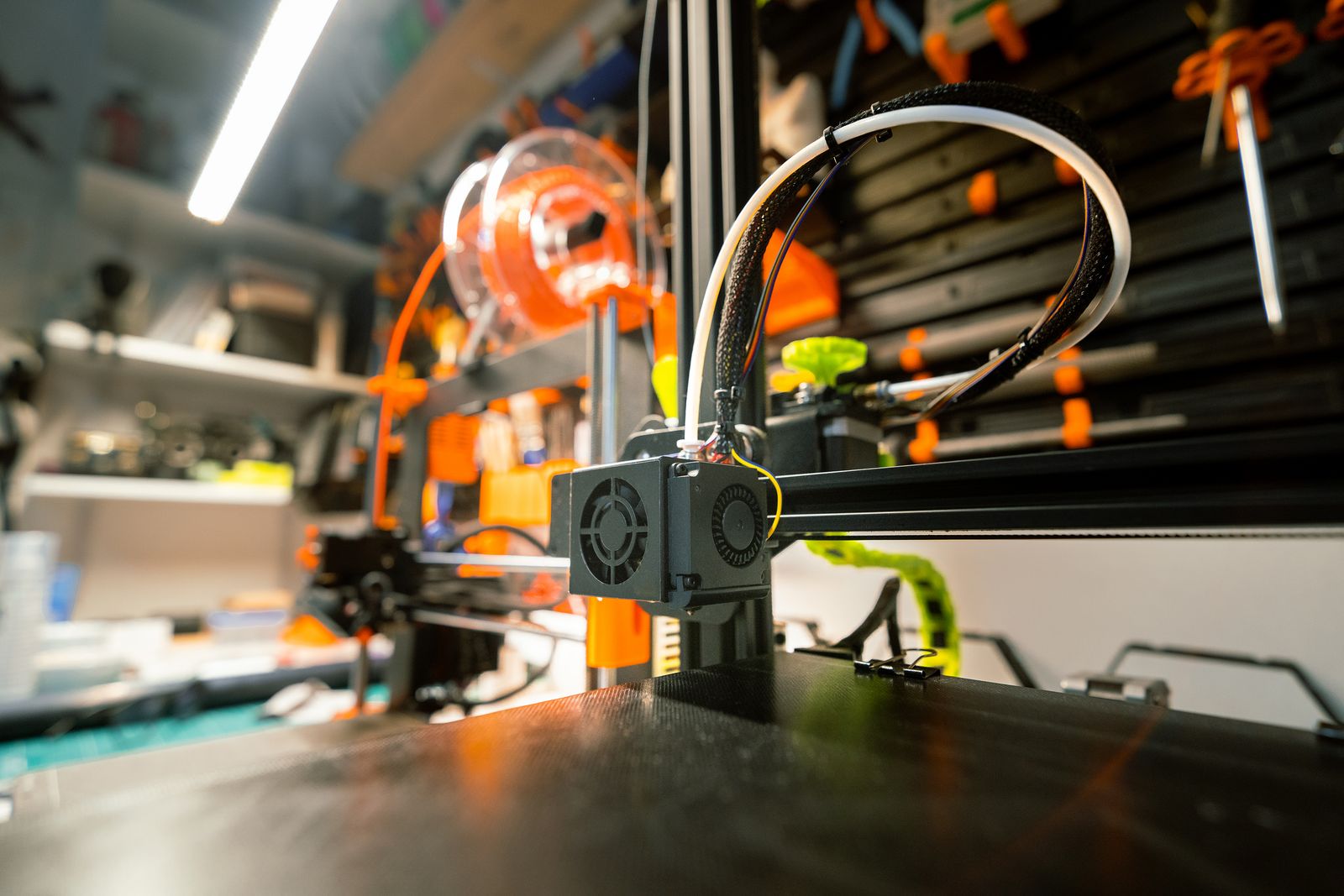
The slicer is where the printer becomes useful or annoying. A current 3DPrinting.com slicer guide for 2026 covers popular options such as Bambu Studio, OrcaSlicer, Cura and PrusaSlicer, and the lesson is simple: slicer workflow matters. You will spend a lot of time there.
Before buying, download the software if possible. Open it. Load a model. Check material profiles, supports, print preview, multi-colour tools, export options and profile backup. See whether the printer can work with slicers you already know. If the printer is locked into one app or cloud workflow, make sure you are happy with that before spending money.
This matters even more for schools, clubs and small businesses. You do not want three people in a workshop all confused by the software. A clear slicer with good defaults can be worth more than a slightly faster spec sheet.
Do Not Ignore Spare Parts
Every 3D printer becomes a parts machine eventually. Nozzles wear. Build plates get damaged. Fans fail. Belts stretch. Extruder gears collect dust. Hotends clog. A sale price is less impressive if basic parts are hard to find later.
Check whether nozzles, hotends, fans, build plates, belts, sensors, extruder parts and PTFE tubes are easy to source. Check whether the machine uses standard parts, proprietary parts, or a mix. Proprietary parts are not automatically bad, but you should know what you are getting into.
Also check the documentation. A printer with clear guides, exploded diagrams, active community support and available replacement parts is easier to own than a mystery machine with a great discount and no help when it jams.
Match The Printer To Your Room
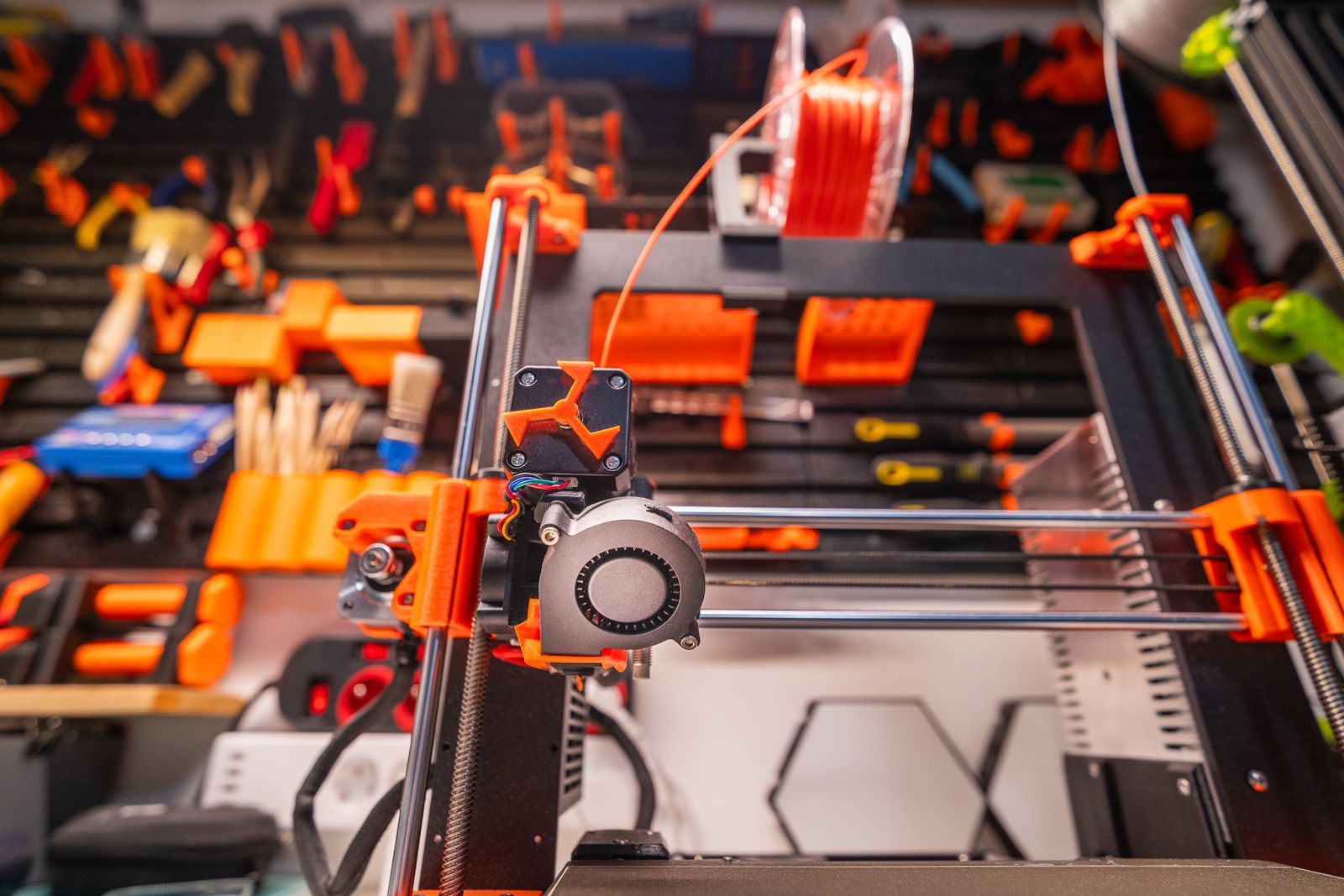
A printer is not just a box on a desk. It needs a place to live. Bed-slingers need front and rear clearance. Enclosed CoreXY printers need airflow, access and stable power. Resin printers need a dedicated handling area with gloves, eye protection, washing and curing. Noisy machines may not belong beside a bedroom. ABS and ASA need more attention to ventilation than basic PLA.
Think about where the printer will sit before it arrives. Can you reach it for maintenance? Can you store filament nearby? Is there room for spools and tools? Will fumes, noise or heat bother anyone? Is the bench stable? Can you check the first layer without crawling under a shelf?
A printer that fits the room will get used more and fail less. A printer crammed into the wrong spot becomes annoying every time you need to clean, unload filament or fix a jam.
Check Filament And Material Availability
Many buyers obsess over the printer and forget the material. Filament quality, storage and profile support make a huge difference. Cheap filament can still print well, but unknown filament with poor winding, inconsistent diameter or moisture problems can waste the savings quickly.
If you are buying your first printer, start with a reliable PLA or PLA+ and learn the machine before chasing exotic materials. PETG is useful, but it strings more and needs tuning. TPU is flexible and fun, but needs the right extruder path. ABS and ASA need ventilation and enclosure control. Carbon fibre and glow materials can wear brass nozzles. Resin brings its own PPE and cleanup routine.
In humid Australian conditions, storage counts. Sealed boxes, desiccant and a filament dryer may be more useful than another decorative accessory. A deal that includes five spools is not much help if they sit open in a damp shed for months.
Watch Out For Spec Sheet Traps
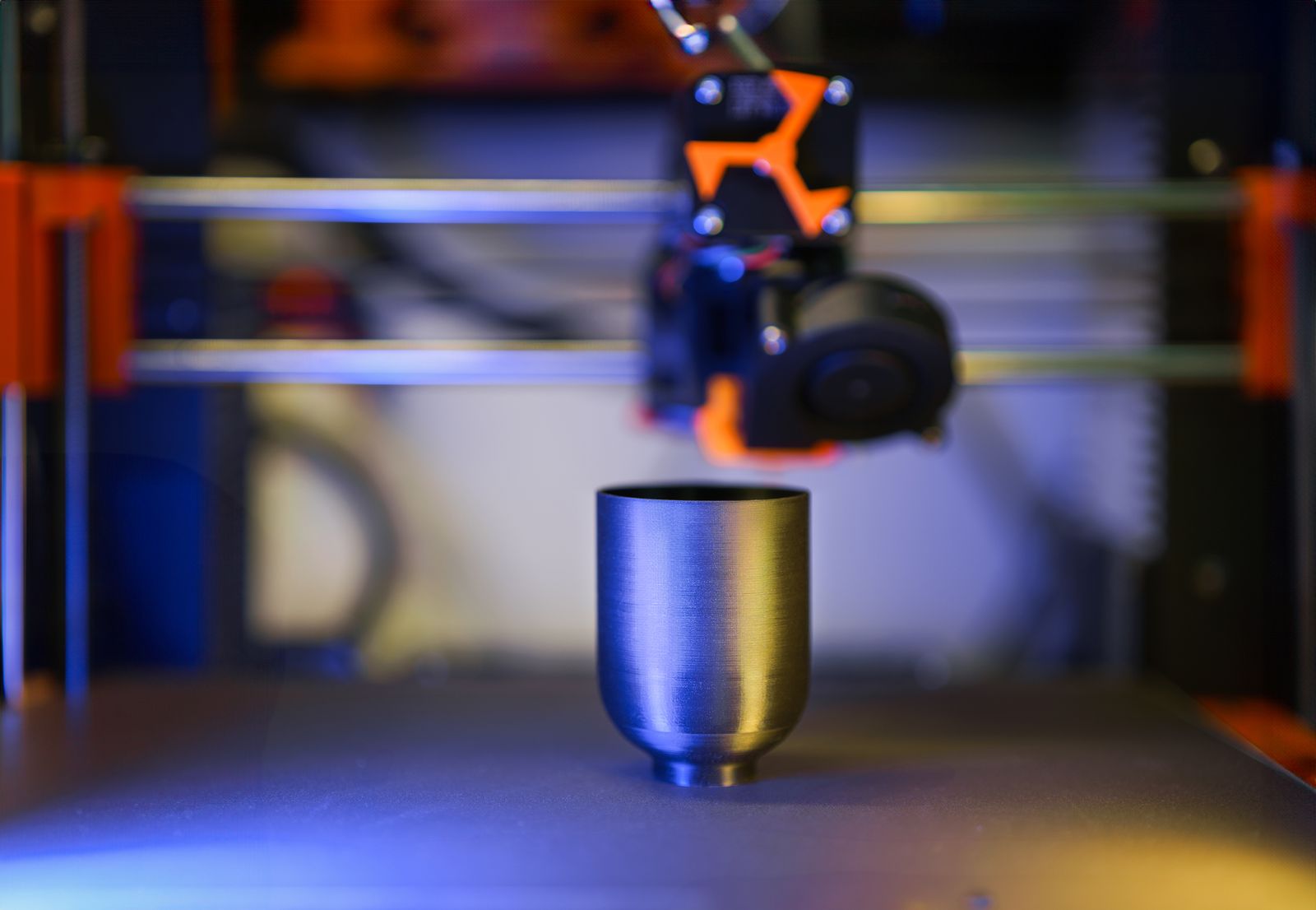
Fast print speed is useful, but not if the machine shakes, rings, under-extrudes or ruins detail. Huge build volume is useful, but not if you never print large parts or cannot fit the printer on your bench. Multi-colour is useful, but not if purge waste, slicer setup and extra spools make every job slower than expected.
Look for balanced reviews, not only launch videos. Tom's Hardware's 2026 best-printer guide is useful because it separates machines by use case: home, workshop, business, beginner, resin and other categories. That is how buyers should think too. The best printer is not universal. It is the best fit for your job.
Reddit purchase advice threads show the same pattern again and again: new buyers ask what to get, and experienced users ask what they want to print, what budget they have, where the printer will live and whether they care about repairability. Those are the right questions.
A Quick Deal Checklist
- What will I print most often?
- Do I need FDM, resin, or both?
- Do I need an enclosure?
- Can it print the materials I actually want?
- Can I get spare parts in Australia or quickly shipped here?
- Is the slicer easy to use and back up?
- What does shipping, GST and warranty support look like?
- Do I have the room, ventilation and storage space?
- What extras will I need in the first month?
- Would I still buy this printer if it was not on sale?
The MatesMaker Take
A good deal should make the right printer easier to buy. It should not push you into the wrong machine. If a sale gets your attention, slow down and check the full setup: material, slicer, spares, room, support and running costs.
For Australian makers, the best first printer or next printer is the one that fits the work you really want to do. It should be repairable enough to keep running, simple enough to use often, and flexible enough for the materials that matter to you.
There will always be another sale. The smarter move is to know what you need before the countdown timer starts yelling at you.