
The last week has been busy for 3D printing. We have seen a new large-format desktop printer from Bambu Lab, Creality teasing its own low-waste nozzle-swapping system, Prusa pushing colour mixing into software, researchers using cameras and AI to control extrusion flow, and industrial machines showing where pellet and composite printing may be heading.
That is a lot of news, but the useful question for Australian customers is simple: what should you actually learn from it? Most of these headlines are not things you need to buy today. They are signals about where desktop and workshop 3D printing is moving in 2026: bigger build volumes, less purge waste, smarter slicers, better calibration, more material choice and more pressure to understand the whole workflow, not just the printer model.
Here is the MatesMaker plain-English read on the week.
Bambu Lab A2L Shows The Big Bed-Slinger Is Back
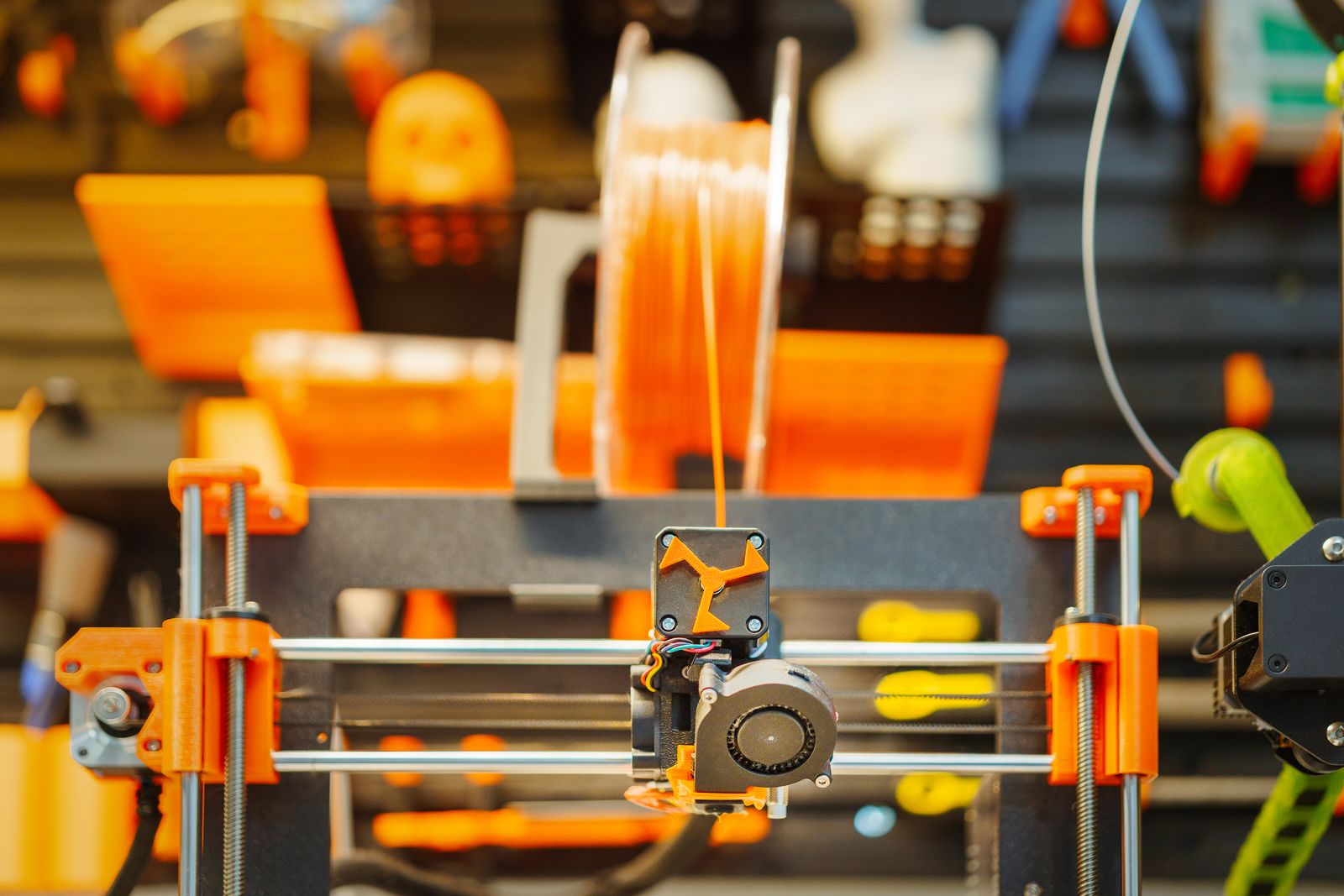
Tom's Hardware and Fabbaloo both covered Bambu Lab's new A2L, a larger open-frame bed-slinger with a 330 x 320 x 325 mm build volume. That makes it much larger than the regular A1-size desktop machines and brings it into the sort of range people start thinking about for helmets, bigger props, home decor, signage, larger organisers and single-piece parts that would otherwise need splitting.
The interesting part is not only the size. Large bed-slingers have a problem: the bed moves back and forth, and tall prints can wobble as they grow. Bambu is trying to control that with closed-loop servo motors, adaptive vibration compensation and in-frame damping. Fabbaloo described the A2L as using features aimed at reducing the wobble and ringing that appear when tall objects move with the bed.
The practical takeaway is this: a larger printer can be brilliant, but big does not automatically mean better. If you print cosplay parts, signs, display pieces, large PLA prototypes or bigger household items, a larger bed can save time because you split fewer models. If you mostly print small brackets, repair parts, gifts, test pieces or customer items that fit on a standard bed, the bigger printer may simply take more room.
Also note the material limits. Tom's Hardware reported that the A2L has a 300 C nozzle but an 80 C bed and is open-frame. That makes sense for a big PLA/PETG-style desktop machine, but it is not the same as an enclosed high-temperature printer for ABS, ASA or more demanding engineering materials. Australian buyers should always match the printer to the material, not just the build volume.
Creality KliTek Keeps The Low-Waste Race Moving
Fabbaloo also reported on Creality's KliTek nozzle-swapping system. The basic idea is that instead of purging lots of filament through one nozzle every time a colour or material changes, the machine swaps nozzles from a parked set. Creality's approach reportedly uses four nozzles stored at the back of the build chamber and claims swaps in under five seconds.
This matters because waste has become one of the biggest complaints around multi-colour FDM printing. Purge towers and waste bins can make a colourful print feel expensive and silly, especially when the waste pile nearly matches the part. Toolchangers, nozzle-swappers and multi-nozzle systems are all trying to solve the same pain point.
The KliTek news also includes an interesting TPU angle. Fabbaloo reported Creality's claim that the system can handle TPU significantly faster than normal, including multiple TPU materials. If that proves true in real machines, it could matter for flexible parts, footwear-style experiments, grips, gaskets, bumpers, protective corners and products that mix stiff and soft materials.
The practical advice is to wait for real-world machines and reviews. A nozzle-swapping system sounds great, but owners should still ask about maintenance, nozzle alignment, clog clearing, spare parts, slicer support and what happens when one nozzle misbehaves. Less purge waste is good. A system you can maintain is better.
Prusa ColorMix Points To A Software-First Colour Future
The other colour story this week is Prusa ColorMix. Fabbaloo reported that Prusa has added an open-source ColorMix workflow to PrusaSlicer and EasyPrint, aimed at turning a small number of loaded filaments into many visible colour tones. The idea is based on halftoning: rather than melting colours together like paint, the printer alternates thin layers so the eye blends them at normal viewing distance.
This is a very different answer to the same customer problem. Instead of adding more spools or more toolheads, software tries to get more colour range out of the filaments already loaded. Fabbaloo notes that Prusa is publishing the model under the MIT licence and tying it into material data, which could make community measurement and filament profiles important over time.
For MatesMaker customers, the takeaway is that slicers are becoming part of the product. The printer is not just motors and a hotend. The slicer decides colour assignment, purge behaviour, material profiles, layer timing, supports and how much waste the job creates. Before buying a multi-colour system, download the slicer and see whether the colour workflow feels usable.
ColourMix-style tools could be excellent for figurines, signage, decorative gifts, cosplay pieces and display models, but expectations need to stay grounded. Printed colour mixing is not the same as a photo printer. Material shade, layer height, viewing distance and filament consistency all matter. A clever slicer is powerful, but test prints still earn their keep.
AI Flow Control Could Mean Less Manual Tuning
Fabbaloo's June 3 report on Chemnitz research is a good reminder that smarter printers are not only about detecting spaghetti. The team used a low-cost camera and AI method to measure FFF extrusion strand width and build a model for controlling flow. In plain English, they were looking at how much plastic actually came out, not just how much the slicer told the extruder to push.
That matters because extrusion is messy in real life. Speed changes can cause over-extrusion and under-extrusion. Flexible filaments behave differently from stiff filaments. Filled materials can slip, abrade and vary in flow. Temperature, pressure advance, acceleration and material viscosity all interact. Experienced users know this as the never-ending cycle of tuning retraction, pressure advance, flow, speed and temperature.
The Chemnitz work is not a consumer feature you can turn on today. Fabbaloo notes that the camera measurement in the research setup is not real-time firmware vision. But the direction is important: printers may eventually calibrate the actual hotend, filament and temperature combination, then use a model to control extrusion more intelligently.
The practical takeaway today is still simple. Keep profiles organised. Change one setting at a time. Use known-good filament for tests. If a future printer promises automatic flow control, ask what it actually measures and whether the calibration works across the materials you use.
Pellets And Basalt Composites Show Where Big Printing Is Going
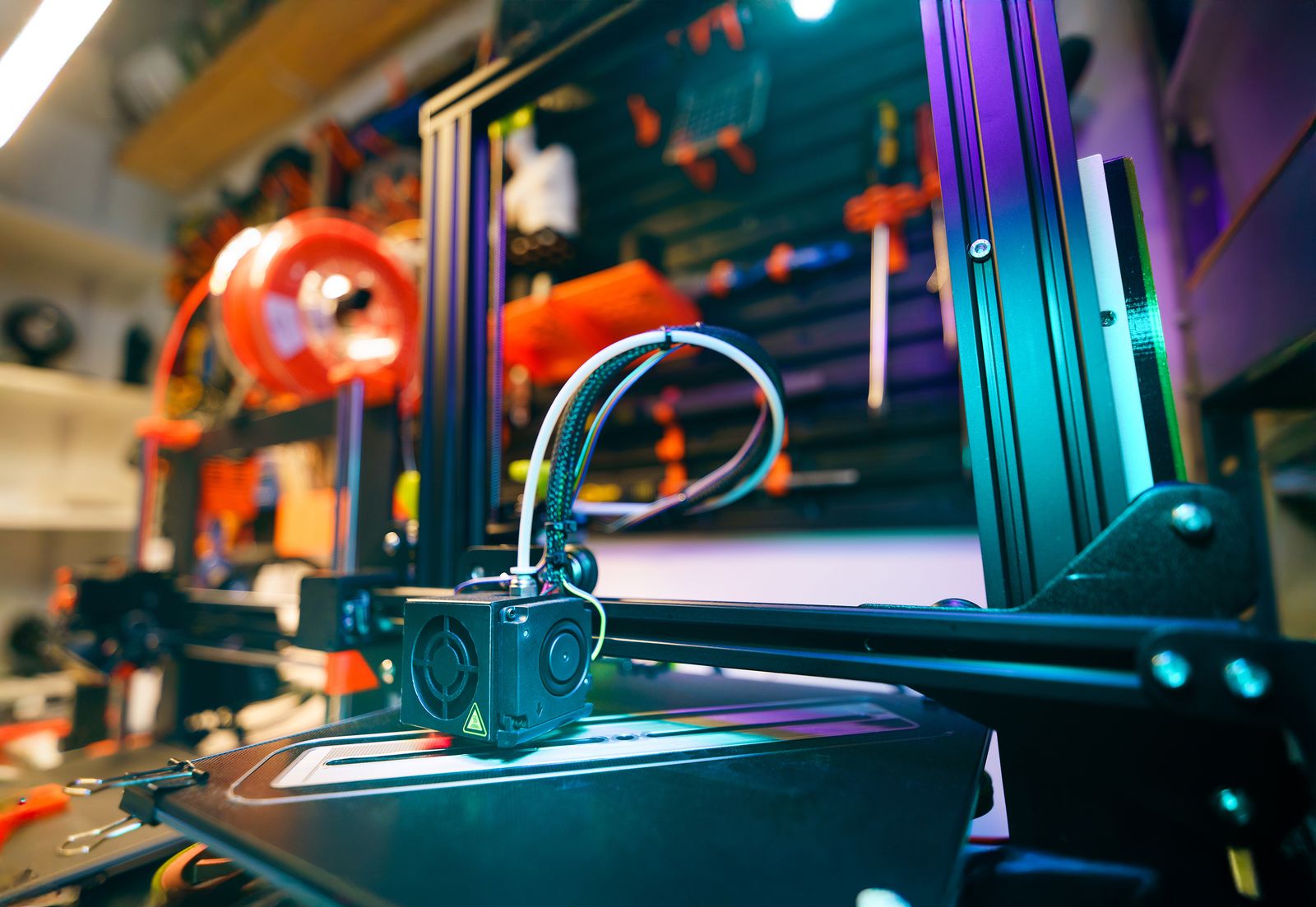
At the industrial end, Tom's Hardware covered the Modix MAMA-1000, a one-meter-cubed pellet 3D printer using a DYZE Design Pulsar pellet print head. Pellet printing is not normal desktop FDM. It pushes plastic granules through a much larger nozzle and can produce very large parts much faster than a filament machine. Tom's Hardware reported a 3 kg per hour throughput and a 3 to 5 mm nozzle range.
The same week also brought attention to Voltage Vessels and a six-meter 3D-printed RHIB-style boat made with recycled PETG and chopped basalt fibre. Tom's Hardware, citing 3D Printing Industry, described the material as a basalt-reinforced thermoplastic composite intended for large-format maritime printing.
Most home users are not buying a pellet printer or printing boat hulls. The point is broader: the industry is pushing beyond decorative plastic and into serious local manufacturing. Pellets lower material cost at scale. Composite reinforcement changes strength, stiffness and environmental resistance. Large-format additive manufacturing is about making useful structures closer to where they are needed.
For Australian makers and small businesses, this is worth watching because the same lessons flow down. Material handling matters. Reinforcement changes nozzle wear and design rules. Print orientation still affects strength. Large parts need planning, not just a bigger bed. The desktop world and the industrial world are different, but they are learning from each other.
What Australian Buyers Should Take From The Week
First, bigger printers are becoming more accessible, but size still has trade-offs. Check room, noise, bed movement, material limits and whether you actually need one-piece large prints.
Second, low-waste multi-colour printing is becoming a serious competitive area. That is good news, but do not ignore maintenance. More nozzles, more tools and more filament paths mean more things to clean, align and troubleshoot.
Third, slicers are now a buying factor. Colour mixing, profile quality, material databases, cloud tools and calibration workflows can make a printer feel brilliant or frustrating. Hardware reviews matter, but software reviews matter too.
Fourth, material control is still everything. Whether it is TPU, PETG, carbon-filled filament, pellets or basalt composites, the material decides temperature, drying, nozzle choice, speed and part design. A printer that cannot handle the material you actually use is the wrong printer, no matter how exciting the launch looks.
Finally, do not chase every headline. The best printer setup is the one that helps you make real things reliably. Watch the news, learn from it, and then bring it back to practical questions: what do I print, what material do I need, can I maintain it, and will it save time or just create another job?
The MatesMaker Take
This week shows 3D printing moving in two directions at once. Desktop machines are getting more capable, more colourful and easier to approach. Industrial systems are getting bigger, faster and more material-driven. In the middle, Australian makers need practical judgement.
If you are buying or upgrading, start with your real jobs. Large cosplay parts? Watch the A2L-style machines. Colour gifts and display models? Watch ColorMix and low-waste tool systems. Flexible parts? Keep an eye on KliTek-style TPU claims, but wait for real tests. Production work or big structures? Learn from pellet and composite printing, even if you are not buying industrial gear.
The news is moving quickly. The basics still hold: choose the right material, keep filament dry, check the slicer, understand the maintenance path, and do not let hype outrun the parts you actually need to print.